
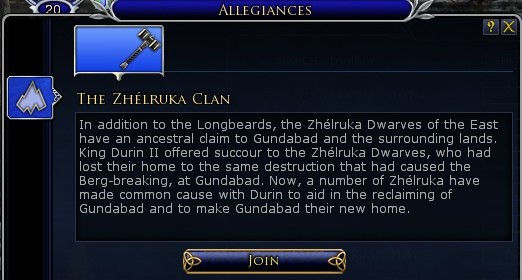
Easy access to your allegiance panel and a ton of other panels you might not be aware off. In UI settings you can assign any panel to the buttons that are on the left or right of your 1 to = skillbar. Normally this is where you find your bags, crafting, deed log and much more. But what if you dont need those options or have grey out bags cause you resized them?

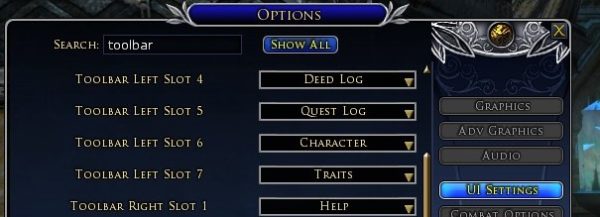
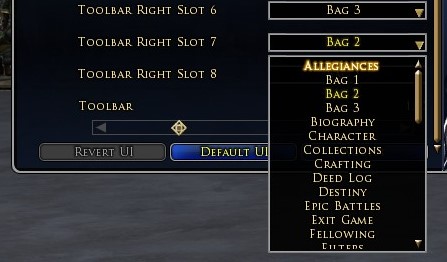

There are roughly 50 other options you can use to have quick access to these panels. While C for character might be quicker. Plugin manager, Mailbox or mounted combat might be a good panel to have access to without going through the arrow and scrolling through it everytime.
2 thoughts on “CCQ4 – Easy access allegiance”